
Cloud & Collaboration for Small Business
Microsoft 365, Google Workspace, Gmail, OneDrive, SharePoint, Google Drive, Dropbox, iCloud—small businesses often end up using several cloud platforms at once.
Tek Ease helps Denver-area businesses make those systems easier to use, easier to share, and easier to manage. That can mean setting up a new environment, fixing a messy one, moving email or files between platforms, or simply making sure the right people can access the right information.
For small businesses from a single person to roughly 100 employees, the goal usually isn’t enterprise complexity. It’s a cloud setup that works reliably, makes sense to the people using it, and can grow with the business.
Microsoft, Google, or a little of both.
Some businesses are firmly in Microsoft 365. Others live in Google Workspace. Plenty use Microsoft email, Dropbox for files, personal Google accounts, and a few other services accumulated over the years.
That’s normal.
Tek Ease can help with Microsoft 365, Outlook, Teams, OneDrive, SharePoint, Google Workspace, Gmail, Google Drive, Dropbox, and iCloud without assuming everything has to be replaced or standardized overnight.
The first question is usually simpler:
Does the setup you have actually work for the way your business operates?
If it does, we improve it. If it doesn’t, we can help determine what should change.
Microsoft 365
Email, Outlook, Teams, OneDrive, SharePoint, users, shared mailboxes, permissions, and everyday administration.
Google Workspace
Gmail, Google Drive, shared drives, calendars, users, sharing, and collaboration.
Mixed Environments
Helping different platforms coexist when replacing everything isn’t necessary or practical.
Shared files are useful. Shared-file chaos isn’t.
Cloud storage often starts simply: one shared folder, a couple of employees, maybe Dropbox or Google Drive.
Then the company grows.
Suddenly there are duplicate folders, files owned by former employees, personal accounts mixed with business accounts, confusing permissions, sync errors, and nobody quite knows which copy is current.
Tek Ease can help bring order back to the system.
File Organization
Structuring shared folders, OneDrive, SharePoint, Google Drive, Dropbox, and other cloud storage so people can find what they need.
Permissions & Sharing
Helping decide who should have access to what, fixing sharing problems, and reducing unnecessary exposure of business files.
Syncing & Access
Troubleshooting missing files, duplicate copies, sync errors, offline access, and users who can see files on one device but not another.
Sometimes the best solution is reorganizing what you already have. Other times it makes more sense to consolidate platforms or move files somewhere new. We’ll help figure out which approach creates the least disruption.
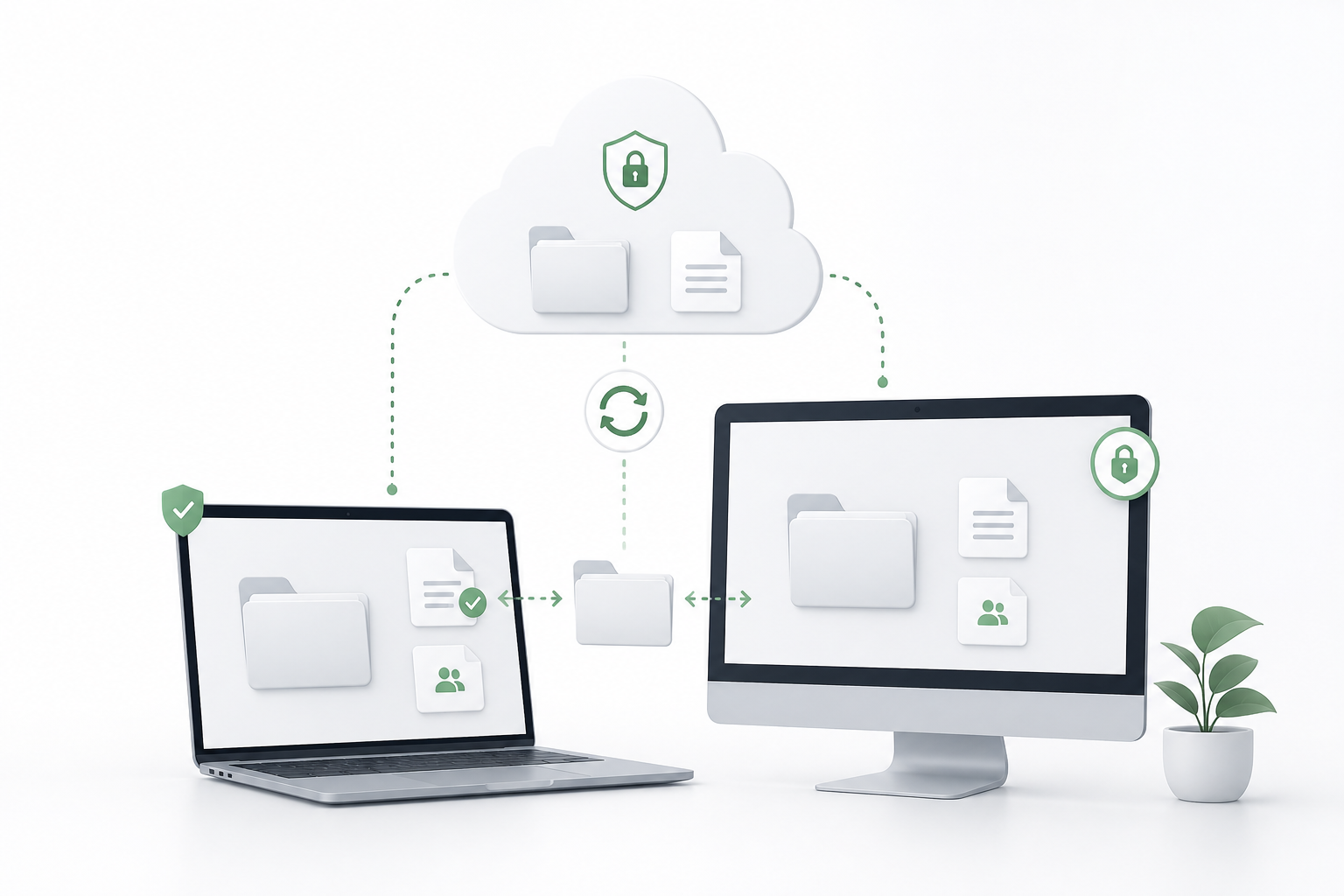
Moving email or files shouldn’t feel like jumping without a net.
Migrations are one of the areas where planning matters most.
Tek Ease can help small businesses move email, files, and cloud services between platforms while minimizing disruption to the people who still need to work during the transition.
That can include:
Gmail to Microsoft 365
Microsoft 365 to Google Workspace
changing hosted email providers
moving files between OneDrive, SharePoint, Google Drive, Dropbox, and other storage
domain and DNS changes connected to an email move
moving data away from an old server or storage system
reorganizing files during the migration instead of simply recreating the old mess somewhere new
Before anything moves, we look at what exists, who uses it, what needs to come across, and what could cause trouble.
Afterward, we help reconnect users, devices, email, mobile access, and shared files.
Cloud tools should work away from the desk, too.
For many small businesses, work happens on laptops, phones, tablets, at home, at client sites, and everywhere in between.
Tek Ease can help users connect iPhone and Android devices to business email, calendars, cloud files, Wi-Fi, VPNs, and multi-factor authentication.
The focus is practical user access and security—not large enterprise mobile-device-management deployments.

We also help with practical remote-access needs such as:
business email on mobile devices
OneDrive, Google Drive, Dropbox, and iCloud access
shared calendars and contacts
multi-factor authentication
VPN access/WireGuard
remote access to office resources
troubleshooting sync and account problems across devices
Remote support when something stops working
Many account, email, software, and configuration problems can also be handled securely through ConnectWise Control without waiting for an onsite visit.