
Home Tech Support in Denver
Friendly, practical help with computers, Wi-Fi, phones, cloud services, new devices, and the technology problems around your home that don’t fit neatly into a typical repair-shop category.
Tek Ease helps Denver-area households troubleshoot problems, set up and replace equipment, move data, improve home networks, and get different devices and services working together. Many issues can also be handled remotely when an onsite visit isn’t necessary.
You don’t have to know what kind of technology problem it is.
You shouldn’t need to diagnose the problem before asking for help.
Maybe the computer is acting strangely. Maybe the Wi-Fi only works in half the house. Maybe photos aren’t syncing, email stopped arriving, or an older piece of equipment suddenly quit cooperating.
Tell us what’s happening in plain language. We’ll help determine whether it’s something Tek Ease can reasonably troubleshoot—and we’ll be straightforward when another specialist, a different approach, or replacement makes more sense.
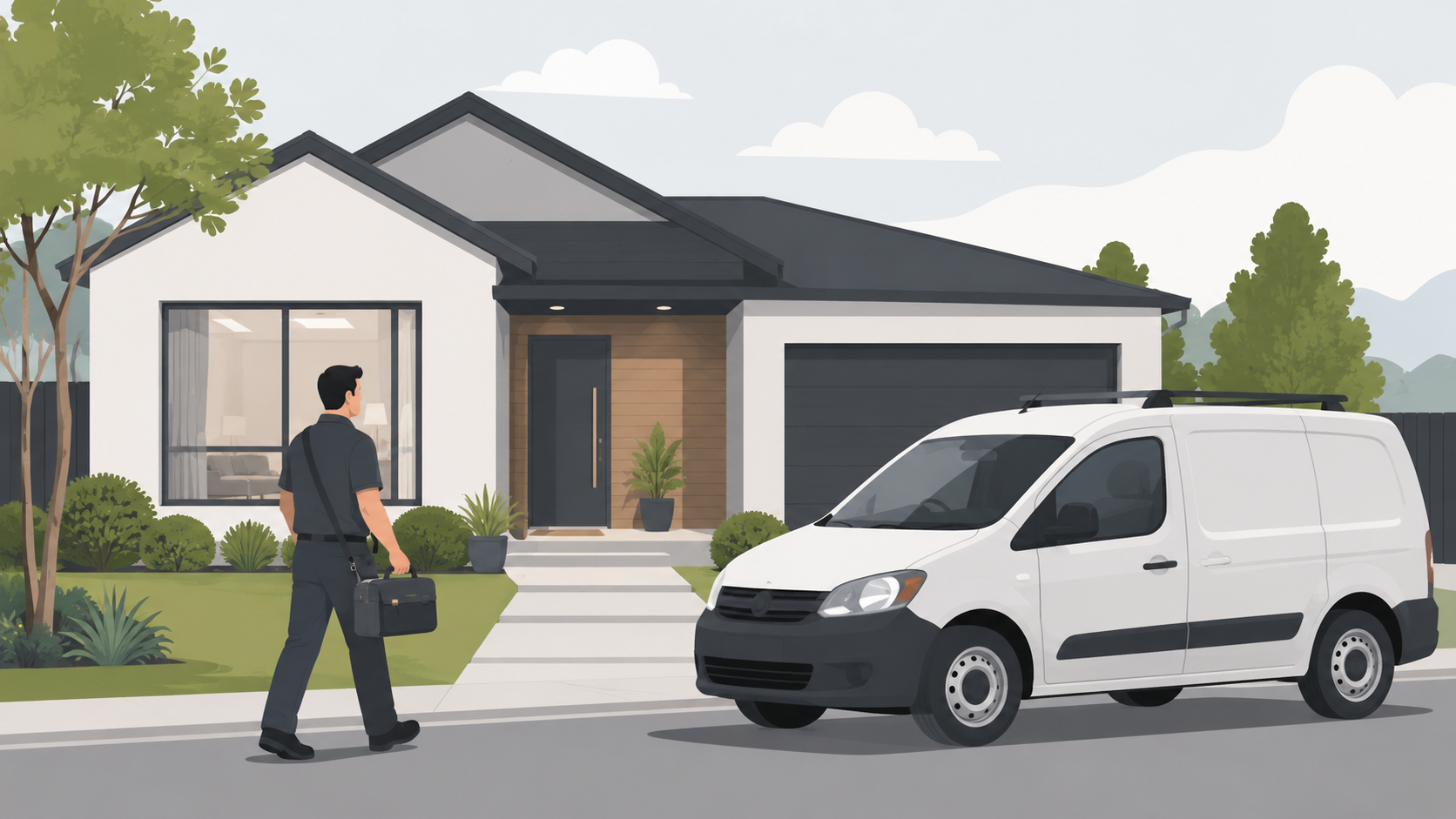
What home tech support looks like in practice.
Computers & Remote Support
Help with Windows PCs, Macs, software, printers, updates, accounts, configuration problems, and the everyday issues that keep a computer from working properly. Many problems can also be handled securely through remote support.
Wi-Fi, Networking & Connected Home
Help with home Wi-Fi, routers, mesh systems, dead zones, and wired networking, along with setup and troubleshooting for connected-home technology such as Ring, Google Nest, Ubiquiti cameras, Apple TV, Roku, Google TV, Amazon Fire TV Stick, smart speakers, sensors, and other IoT devices. Tek Ease can also help with practical DIY home-automation projects and getting different devices to work together reliably.
Phones, Tablets & Cloud Syncing
Help with iPhone and Android setup, email, contacts, photos, backups, Wi-Fi, iCloud, Google Drive, OneDrive, Dropbox, device migrations, and getting mobile devices to work properly with the rest of your technology.
New Computers, Sourcing & Data Moves
Advice on choosing and sourcing the right laptop or desktop, followed by setup, software installation, account connections, and transferring data from the old computer.
Security, Backup & Account Help
Practical help with backups, malware protection, password and account issues, multi-factor authentication, email security, Bitdefender, and reducing the risk of losing important files or access to an account.
Custom & Gaming PC Troubleshooting
Troubleshooting difficult video, graphics, power, cooling, memory, driver, and intermittent hardware problems on custom and gaming PCs. Because these problems can require significant diagnostic time, we’ll also be candid when continued troubleshooting may not be economical.
Remote computer support when a house call isn’t necessary.
Many Windows and Mac software problems can be handled remotely using ConnectWise Control. With your permission, Tek Ease can connect to your computer to troubleshoot email, software, settings, accounts, updates, printers, cloud syncing, and other issues that don’t require physical repair.
Remote support can save time, but it isn’t the right answer for every problem. Hardware failures, cabling, Wi-Fi coverage, and anything that requires hands-on testing may still need an onsite visit. We’ll help determine which approach makes sense before the work begins.
Remote support can be a good fit for:
Email and account problems
Software and settings
Printer troubleshooting
Cloud syncing and file access
Updates and configuration
Follow-up after onsite work
Need a new computer? Start with the right machine.
Choosing a laptop or desktop can be surprisingly confusing. Tek Ease helps home users select a computer based on how it will actually be used, how long it should last, and what represents a good value—not just whichever model happens to be on sale.
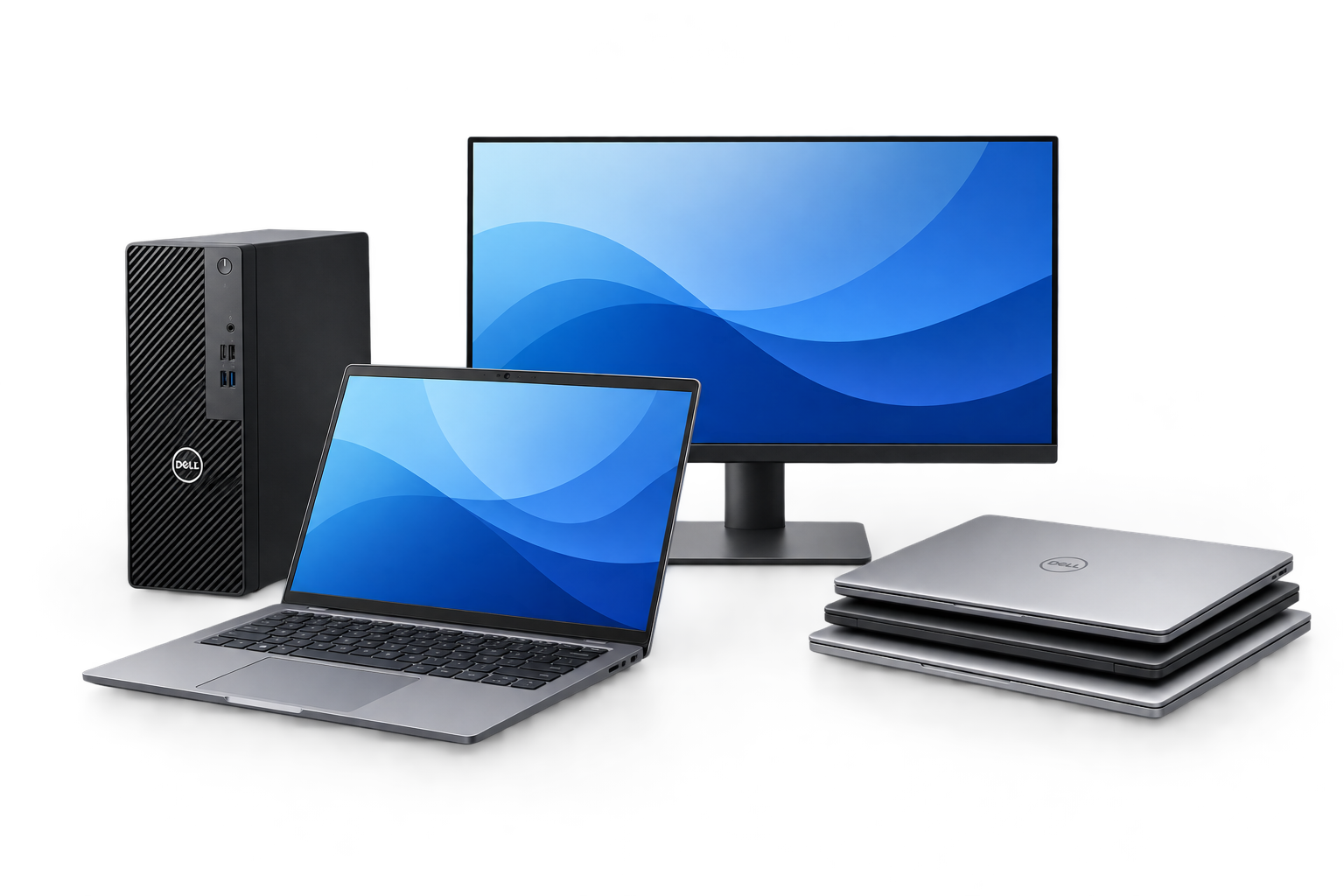
We often recommend business-class systems, including Dell Latitude, OptiPlex, Pro, and Pro Max models. These computers can be an excellent choice for home users, and carefully selected new or used systems may offer substantially better value than many consumer retail models.
Tek Ease is not a computer store and doesn’t maintain inventory that needs to be sold. The goal is to find the right machine at the right price.
Once the computer is selected, we can also handle setup, updates, software, account connections, email, cloud files, printer setup, and transferring data from the old computer so the new one is ready to use.
Ready to make the technology in your home easier?
Tell us what’s going on. We’ll help determine whether remote support, an onsite visit, or a different next step makes sense.